Framer Components Explained: Build Faster Without Repeating Yourself
A practical guide to one of the most powerful features in Framer.
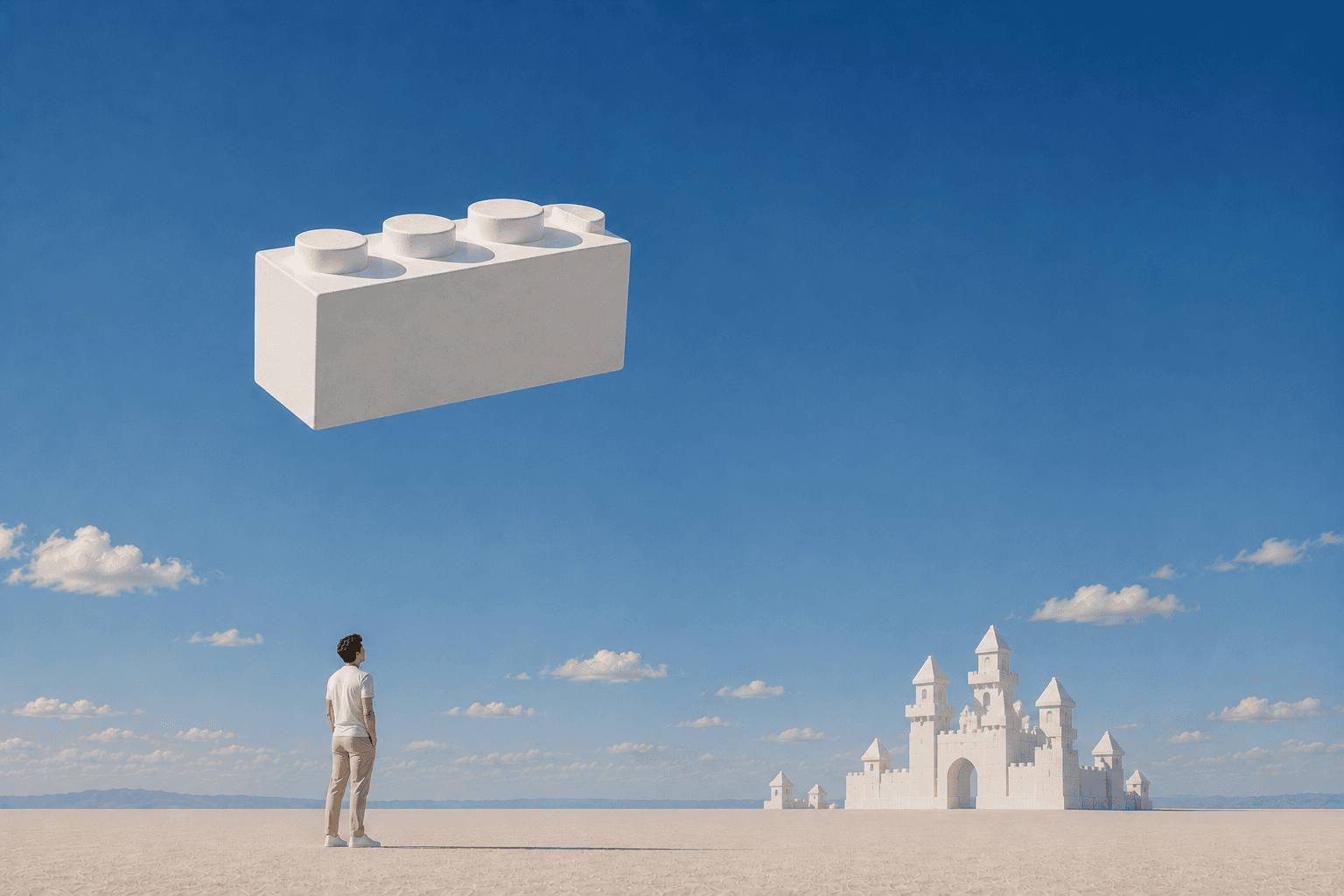
At a basic level, a component is a reusable element that can be used throughout your website. Instead of rebuilding the same button, card, navigation menu, or section multiple times, you create it once and reuse it wherever you need it.
For small projects, components save time. For larger projects, they become essential.
What is a component?
Think of a component as a master version of an element.
You create the component once and place instances of it across your website. Every instance stays connected to the original component.
If you update the component, every connected instance can receive the update automatically.
For example, imagine a website with twenty pricing cards. Without components, updating the design means editing twenty separate elements. With components, you make the change once and every instance updates.
This helps maintain consistency and dramatically reduces maintenance as websites grow.
Why components matter
The biggest benefit of components is consistency.
When every button, card, navigation item, and section comes from the same source, your website becomes easier to manage and less prone to mistakes.
Components help you:
Save time when making updates
Maintain visual consistency
Reduce repetitive work
Scale larger websites more efficiently
Reuse sections across multiple pages
The larger the website becomes, the more valuable components are.
Common examples of components
Many websites rely heavily on components without visitors ever noticing.
Some common examples include:
Navigation menus
Buttons
Pricing cards
Testimonials
Team member cards
Blog cards
FAQ items
Call-to-action sections
Footers
A simple rule is that if something appears more than once, it is usually a good candidate for becoming a component.
Components in Framer vs Figma
If you’ve used Figma before, the concept will feel familiar. Both tools allow you to create reusable elements and update multiple instances from a single source.
However, there are several important differences that are worth understanding.
Framer variants inherit from the primary variant
One of the most important concepts in Framer is variant inheritance.
Every component has a primary variant. Changes made to the primary variant are inherited by the other variants unless those properties have been specifically overridden.
For example:
Update typography in the primary variant
Change spacing in the primary variant
Modify interactions in the primary variant
Those changes can automatically flow to the rest of the variants.
Understanding inheritance is one of the keys to building maintainable component systems in Framer.
Variants share the same structure
This is one of the biggest surprises for designers coming from Figma.
In Framer, variants share the same underlying layer structure.
If you add a new layer to one variant, that layer becomes part of the component structure across all variants. It may be hidden, resized, or styled differently in each state, but it still exists within the shared component.
This shared structure is one of the reasons Framer can animate smoothly between variants and states.
Component properties go beyond content
Both Framer and Figma allow component properties, but Framer often encourages a more configurable approach.
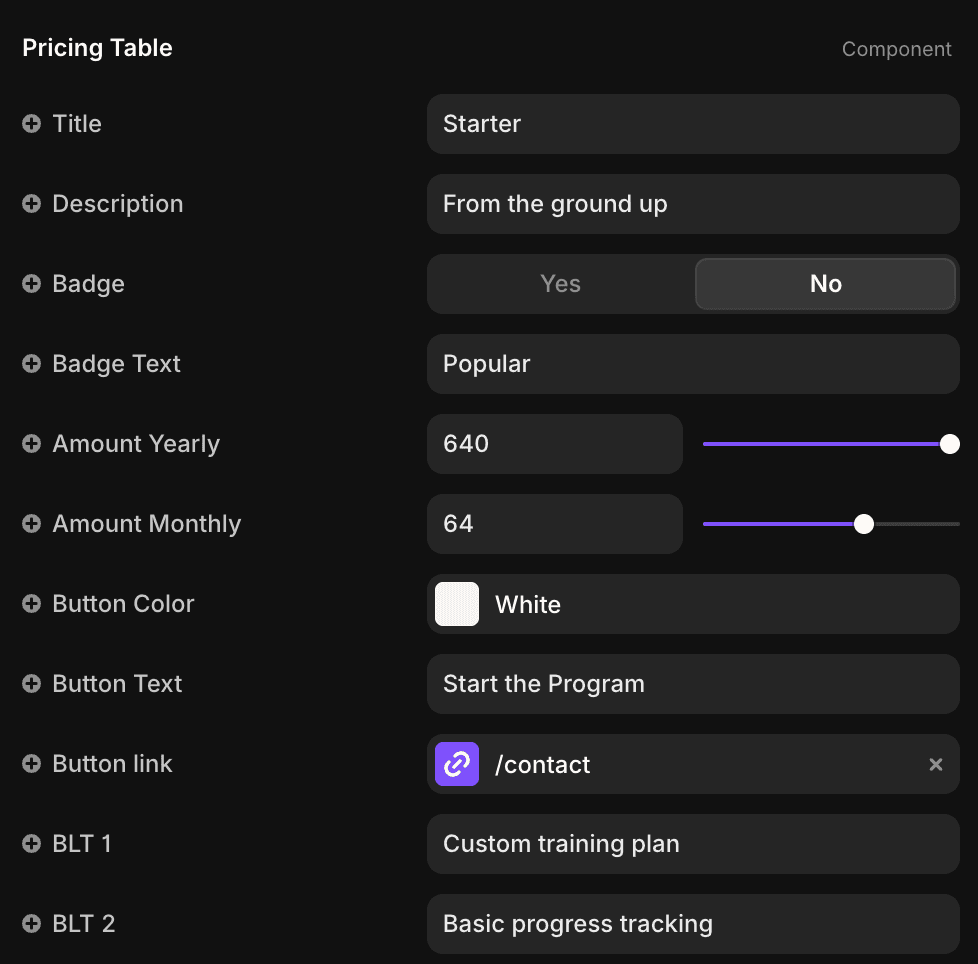
Instead of creating separate variants for every possible combination, you can expose editable properties directly on the component.
These properties can control:
Text
Images
Colors
Links
Padding
Corner radius
Gap spacing
Visibility
Layout options
Variant switching
and much more
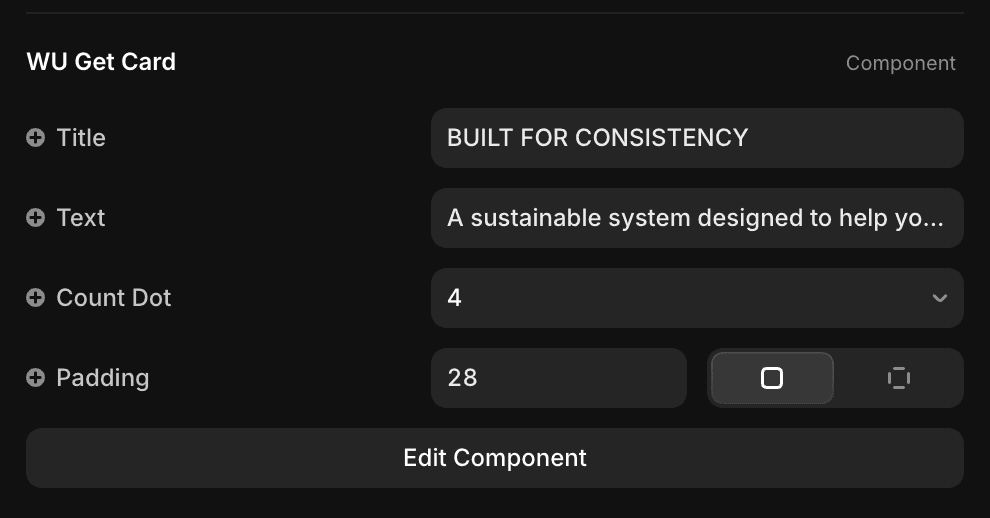
For example, a card component might expose controls for image visibility, border radius, spacing, button style, and layout direction.
This allows a single component to support many different use cases without creating dozens of variants.
Components vs copy and paste
Many beginners start by duplicating elements whenever they need them.
While this works initially, it becomes difficult to manage as projects grow.
Imagine updating the border radius of every button on a website. If each button is an independent copy, every button must be updated manually.
With components, a single change can update every connected instance.
The result is a faster workflow and a more consistent website.
When should you create a component?
A simple rule is this:
If you’re using something more than once, consider turning it into a component.
Not every element needs to become a reusable component. A unique hero section that appears on a single page may not benefit from one.
But repeated elements almost always do.
The earlier you build reusable systems, the easier your project becomes to maintain.
Final thoughts
Components are one of the features that make Framer such an efficient website-building tool.
They allow you to work faster, keep designs consistent, and make updates across an entire website from a single source.
The real power comes from understanding how inheritance, variants, and component properties work together. Once those concepts click, you can build flexible systems that scale from a simple portfolio to a large multi-page website.
If you’re new to Framer, start small. Build a button component, create a few variants, experiment with component properties, and you’ll quickly see why components are at the center of nearly every professional Framer project.

Tom from Volt