Best Framer Portfolio Templates for Designers (2026)
Nine Framer portfolio templates built for designers and creatives — free and paid, no code required.
If you're a designer, your portfolio is the work. It's the thing that decides whether a studio emails you back or a founder books the call. A good template fixes the part that was never the point: you're paid for the work that goes inside the site, not for fighting a layout at 1am. Below are nine Framer portfolio templates built specifically for designers and creatives — structured to adapt fast and launch the same afternoon.
A Framer portfolio template is a pre-built, fully customizable website for showcasing creative work, built on the Framer platform. You remix it, add your own projects, and publish — without writing code.
Quick Answer
The right Framer portfolio template depends on your work. TD_Tomas (free, Swiss-style) is a clean editorial starting point, TD_Alexfolio suits bold, high-impact work, TD_Cherfolio handles a large body of projects, and TD_Senri, TD_Maxfolio, TD_Zarafolio and TD_Joeyfolio are free options in different styles. All nine are built in Framer, require no code, and include CMS case studies.
The Nine Templates at a Glance
Template | Price | Style / mode | Best for |
|---|---|---|---|
TD_Tomas | Free | Swiss, editorial, light | A clean, considered editorial base |
TD_Royfolio | $49 | Minimal | Designers who want polish on a budget |
TD_Alexfolio | $79 | Bold, high-impact | Art directors, brand & product designers |
TD_Cherfolio | $79 | Dashboard-style | Designers with a large body of work |
TD_Tarafolio | $69 | Characterful | Working creatives wanting personality |
TD_Senri | Free | Dark, high-contrast | Atmospheric, moody presentation |
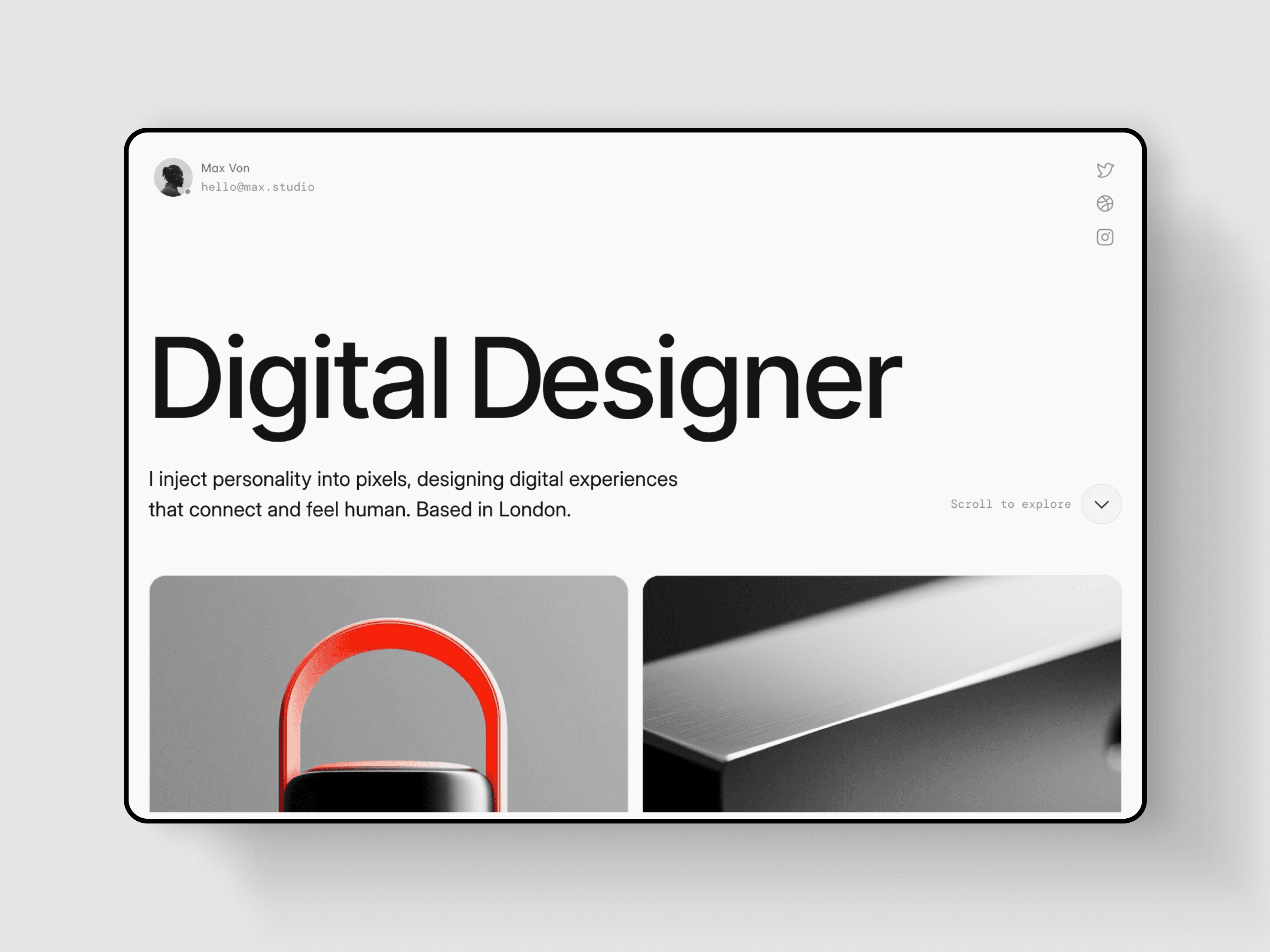
TD_Maxfolio | Free | Minimal, light + dark | Product, branding & motion designers |
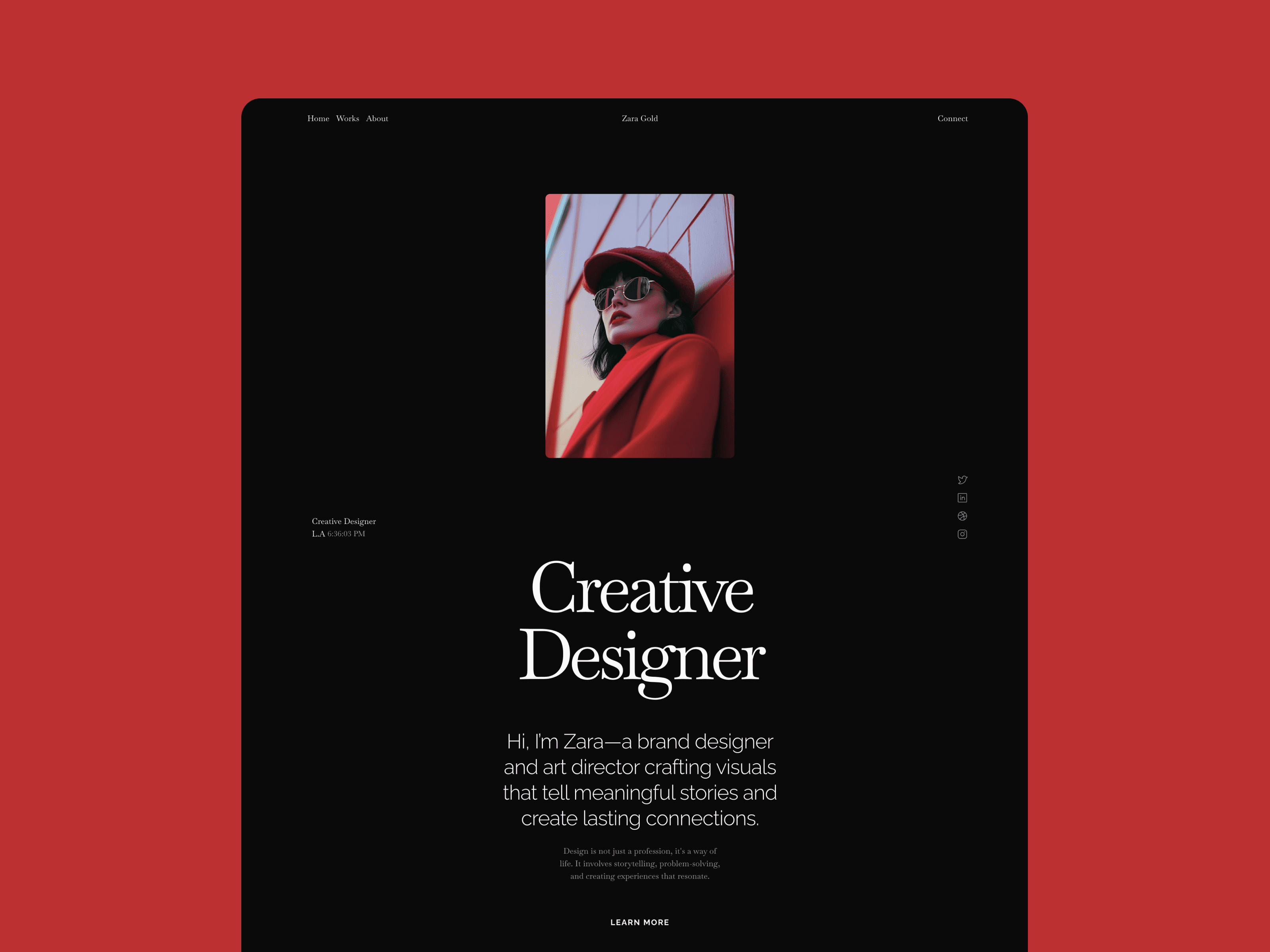
TD_Zarafolio | Free | Animated | Designers who want motion built in |
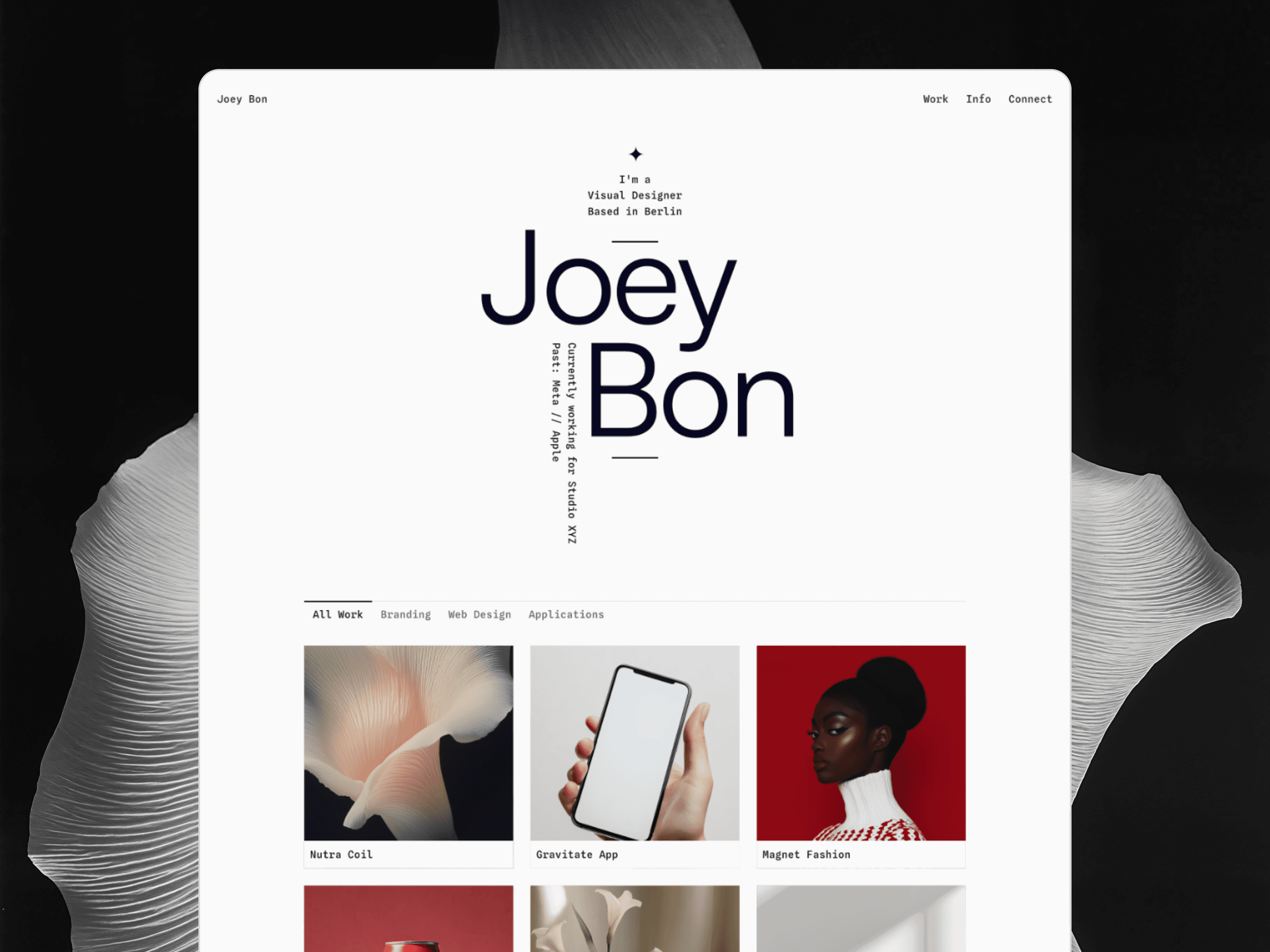
TD_Joeyfolio | Free | Portfolio + resume | Designers job-hunting (work + CV in one) |
What to Look for in a Designer's Portfolio Template
Three things separate a portfolio template that works from one that just looks good in the preview:
Project structure that holds real work. CMS-powered case studies, not just a grid of thumbnails. A single project should feel considered.
A point of view. Editorial type, real contrast, motion that earns its place. A neutral template makes neutral work look more neutral.
Speed to launch. You should go live the same afternoon, not budget a weekend.
Every template here is built in Framer. You remix it, drop in your projects, and publish — no code, no plugins. Free options are marked.
TD_Tomas
Swiss-Style Portfolio Template (Free)
A Swiss-style portfolio built on a strict grid, generous space, and type that does the heavy lifting. Minimal at its core, bold where it matters. Made for designers, photographers, and freelance creatives who want a site that reads as considered rather than loud — with CMS-powered projects and a dedicated case-study layout. The strongest free starting point in the collection, and the newest. Best for: designers and photographers who want a clean, editorial base. Free.
TD_Royfolio
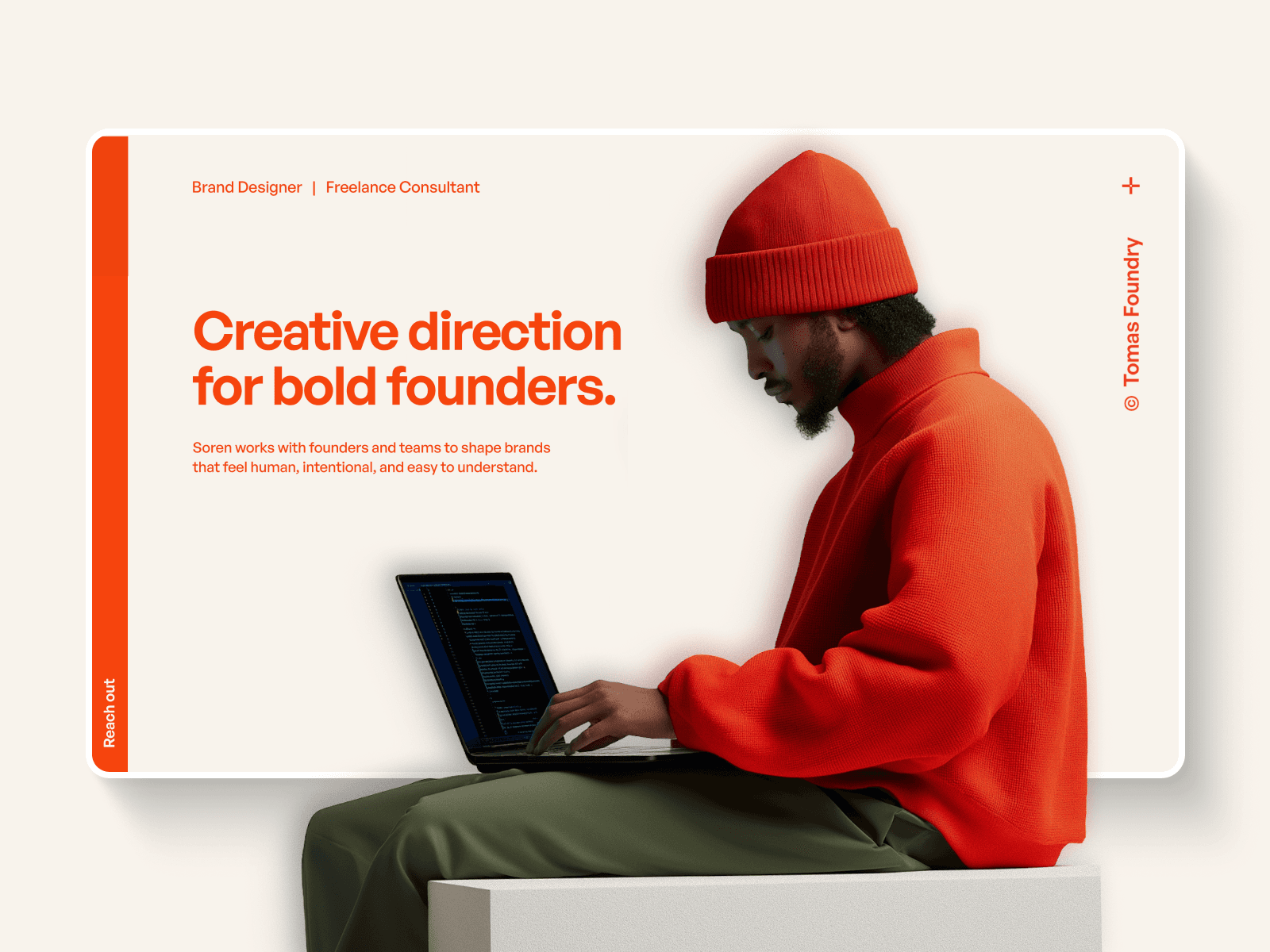
Portfolio Template for Designers ($49)
A focused portfolio template built, by its own description, for designers — sharp, no-friction, and the most accessible price in the paid range. The right pick if you want something clean and distinctive without a learning curve. Best for: designers who want a fast, polished site on a budget.
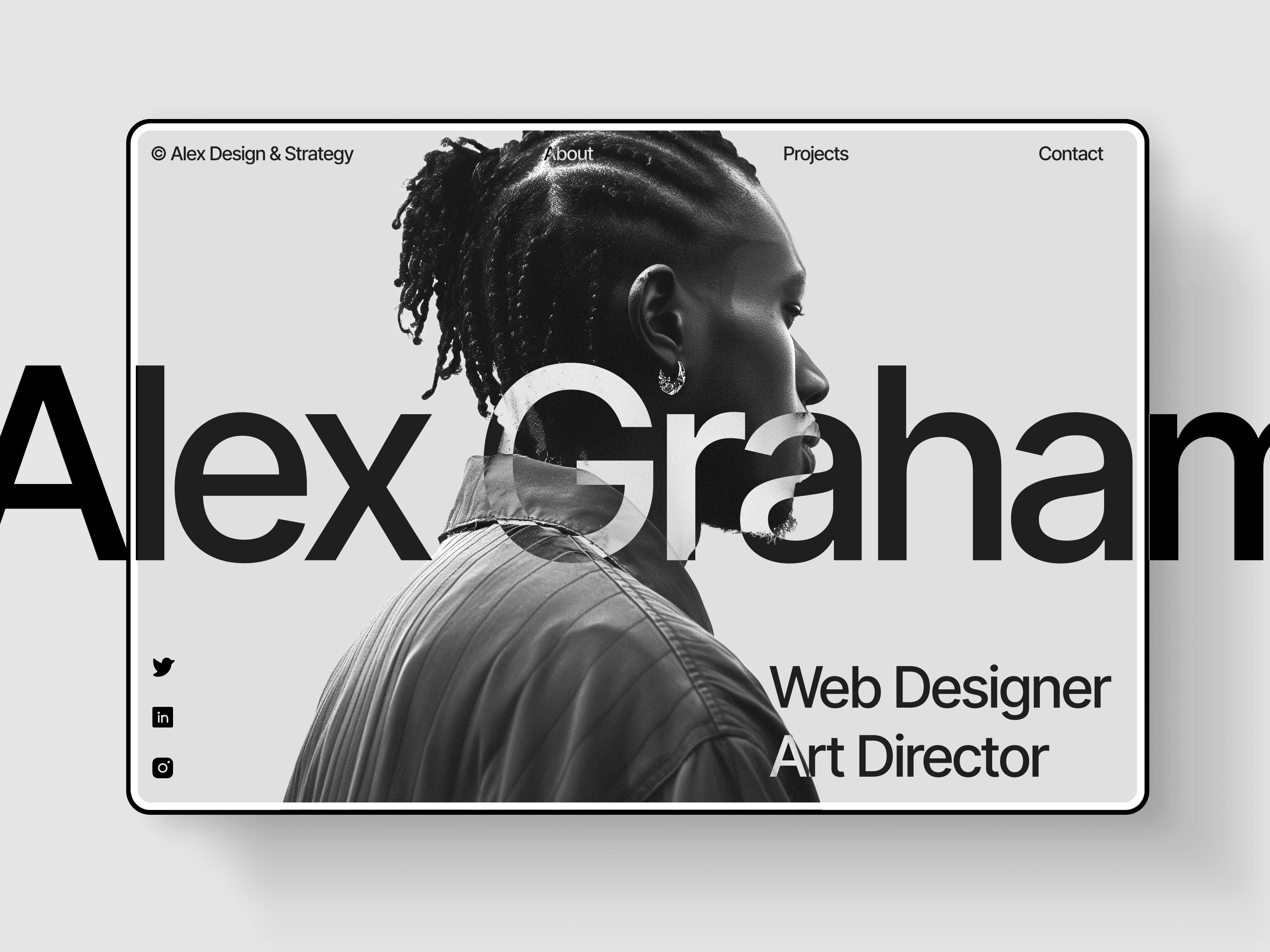
TD_Alexfolio
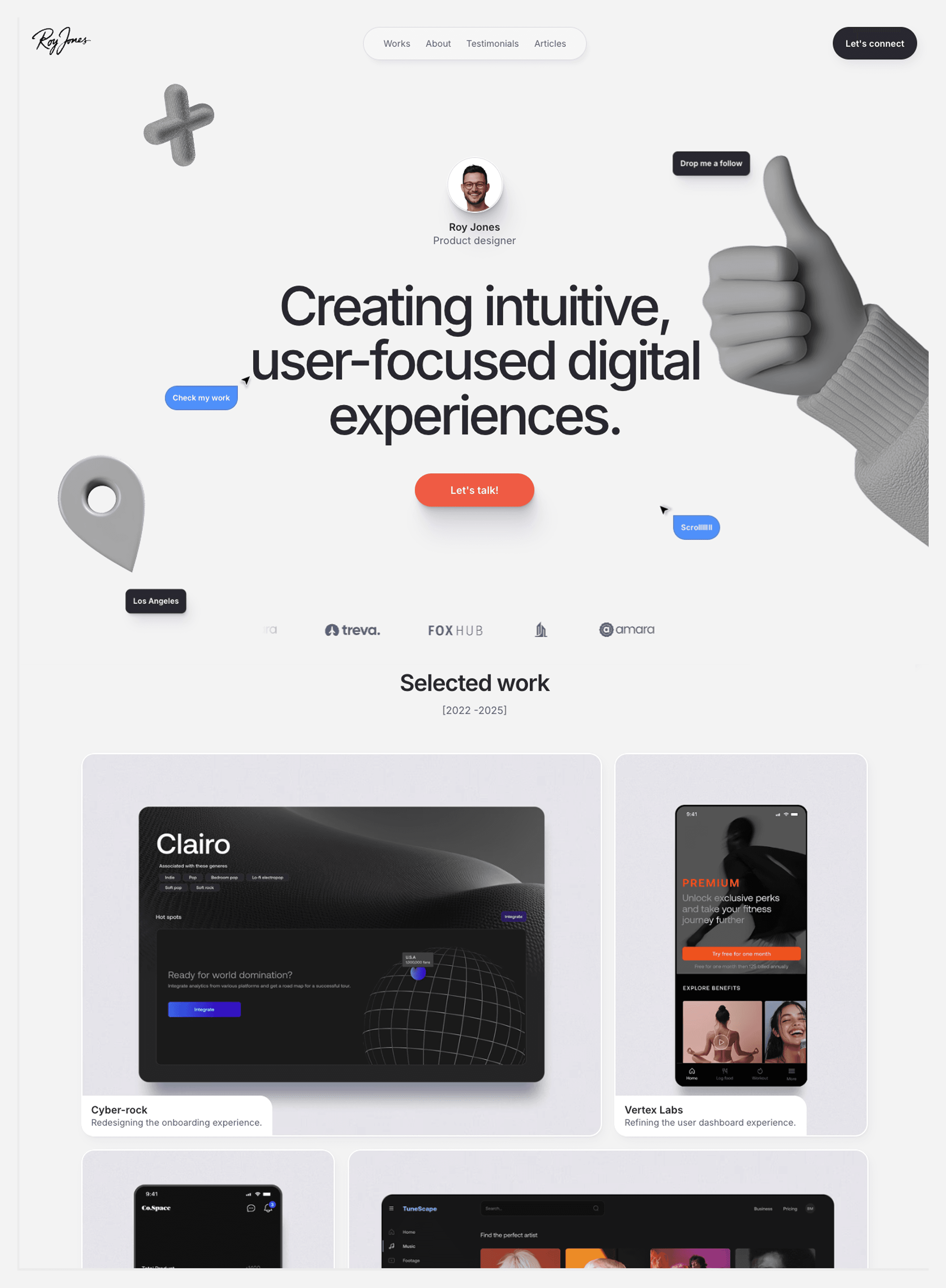
Bold Portfolio Template for Creatives ($79)
A portfolio built for creatives who want to stand out with bold, high-impact design. Made for art directors, brand designers, digital and product designers — anyone whose work can carry a confident frame. Best for: art directors and brand/product designers with bold work.
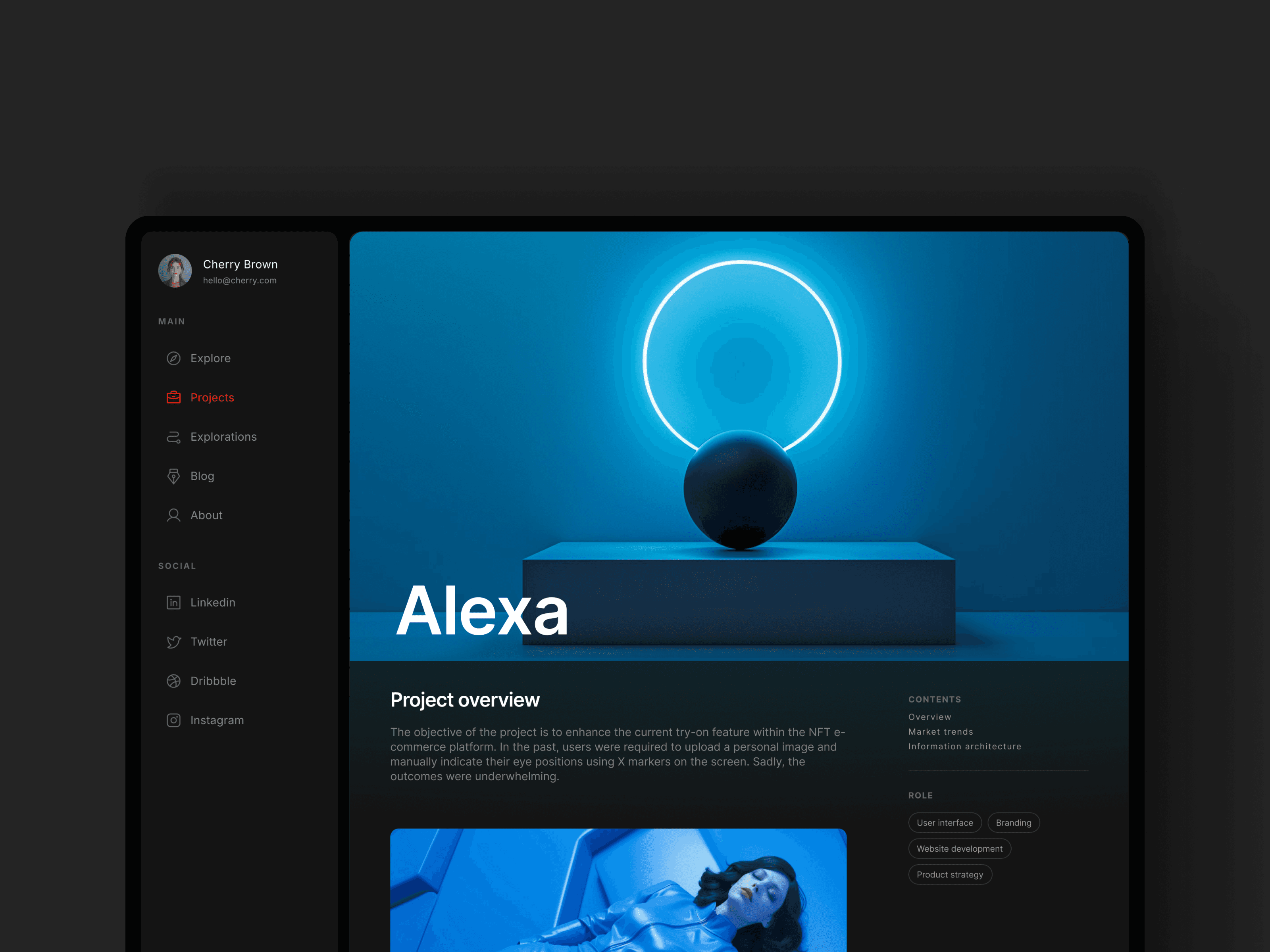
TD_Cherfolio
Dashboard-Style Portfolio for Designers ($79)
A dashboard-style portfolio for designers with a large body of work — multiple project pages and a built-in blog section. The structure to stay legible when you've got a lot to show. Best for: prolific designers with many projects to organize.
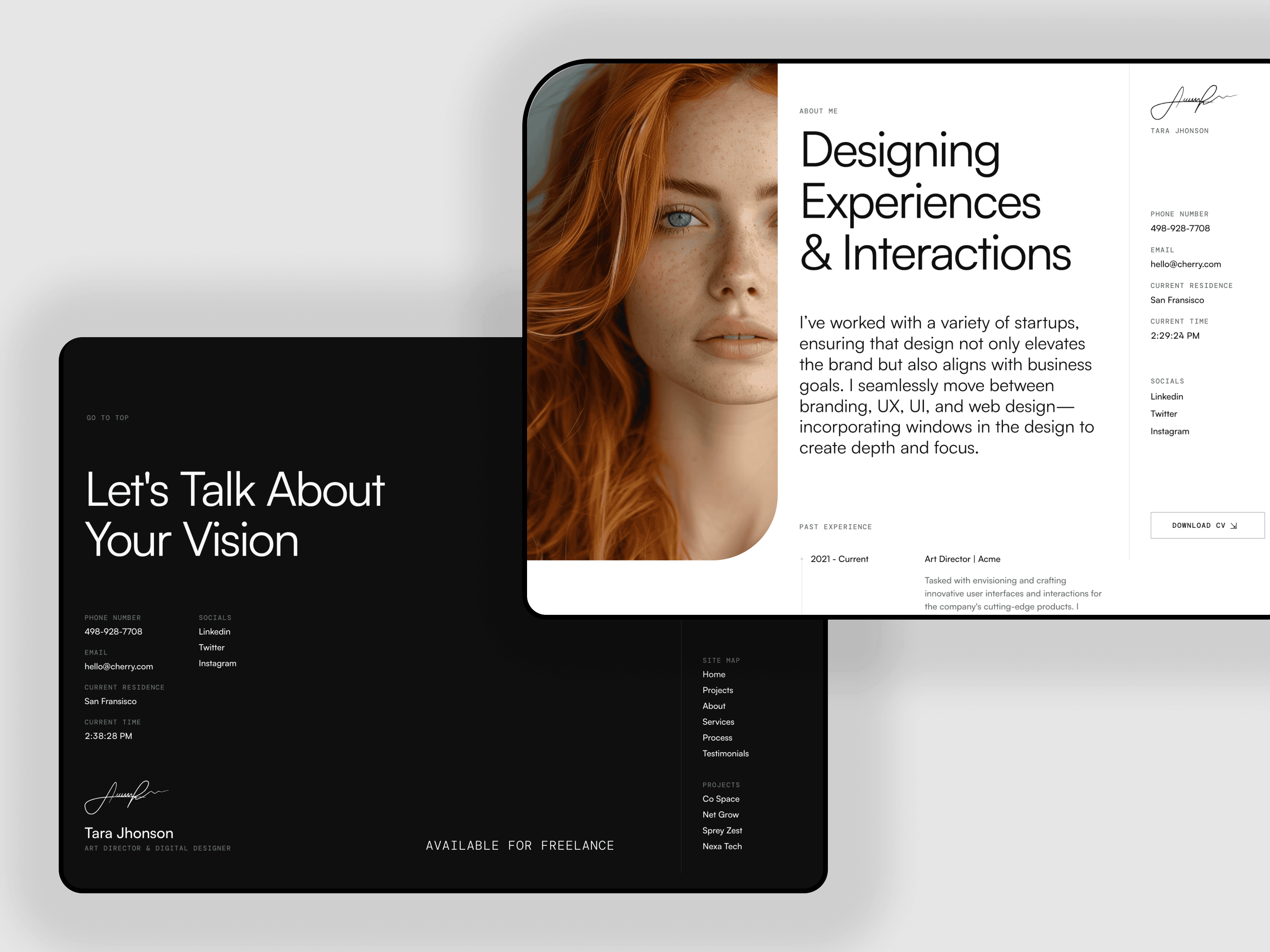
TD_Tarafolio
Portfolio Template for Creatives ($69)
A portfolio template for creatives that balances structure and character. A solid mid-range default for a working designer who wants something distinctive without going flagship. Best for: working creatives who want personality without complexity. $69.
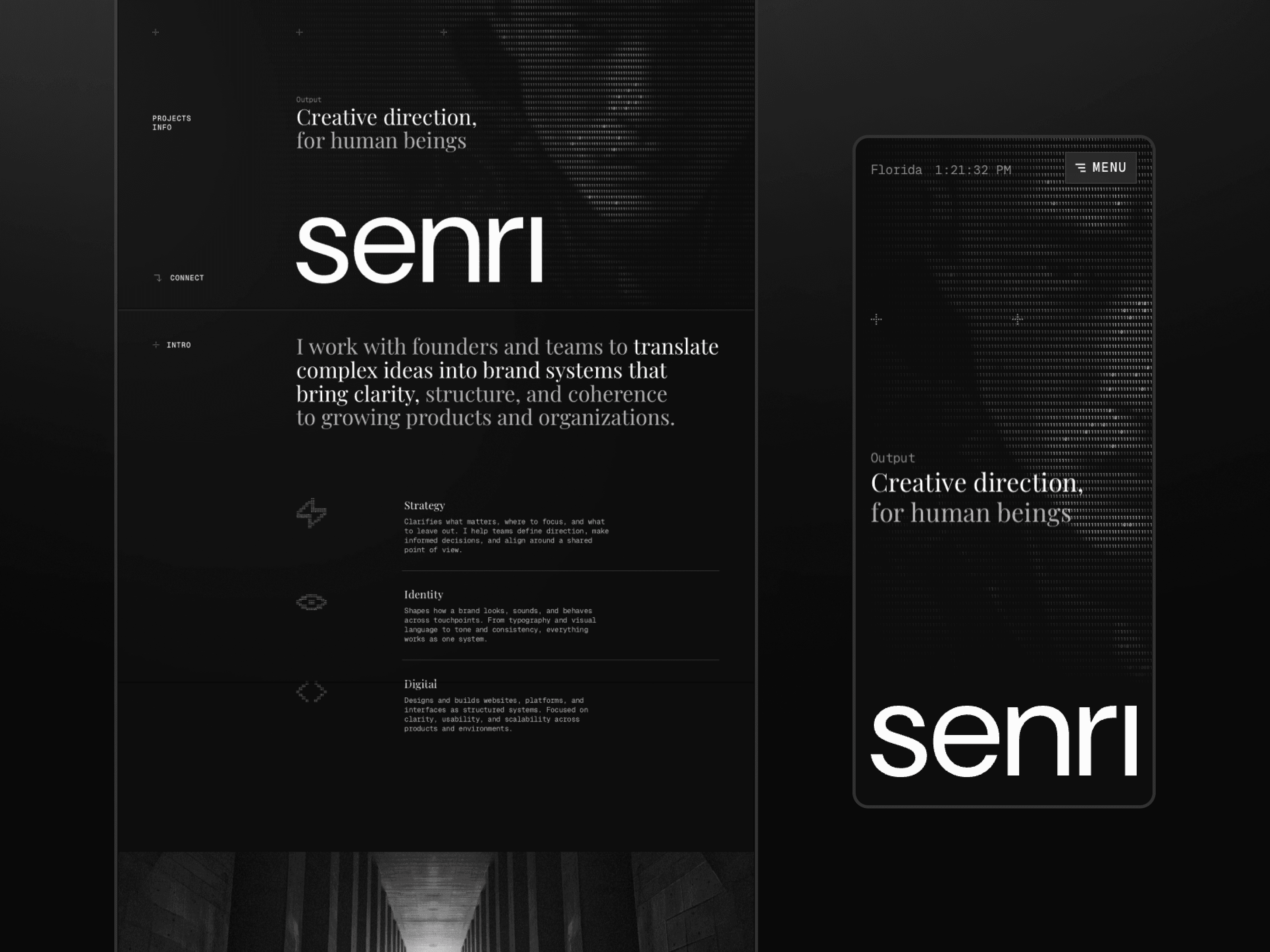
TD_Senri — Dark Portfolio Template (Free)
A dark-mode portfolio template for designers who want their work to sit against a moody, high-contrast backdrop. Free, and a genuinely different mood from the rest of the list. Best for: designers who want a dark, atmospheric presentation. Free.
TD_Maxfolio — Minimal Portfolio Template (Free)
A free portfolio for product, branding, and motion designers — minimal and high-contrast, in both light and dark modes. Distinctive without overcomplicating the presentation. Best for: product, branding, and motion designers on no budget. Free.
TD_Zarafolio — Animated Portfolio Template (Free)
An animated portfolio template with motion built in — for designers who want the site itself to feel alive. A free option with more movement than the minimal picks above. Best for: designers who want animation out of the box. Free.
TD_Joeyfolio — Free Portfolio Template for a Large Body of Work
A free portfolio template that stays organized when you've got a lot to show — multiple project pages, structured cleanly. The most capable free option if your catalog is large and your budget is zero.
How to choose between them
Free and ready to go: TD_Tomas, TD_Senri, TD_Maxfolio, TD_Zarafolio, or TD_Joeyfolio — all real, not stripped trials.
A large body of work to organize: TD_Cherfolio.
Bold, high-impact work: TD_Alexfolio.
Clean and considered: TD_Tomas or TD_Royfolio.
Portfolio plus resume: TD_Joeyfolio.
Frequently Asked Questions
What is the best free Framer portfolio template for designers?
TD_Tomas is the strongest free option — a Swiss-style, grid-driven layout with CMS case studies. TD_Senri (dark), TD_Maxfolio (minimal, light + dark), TD_Zarafolio (animated), and TD_Joeyfolio (portfolio + resume) are also free.
Do I need to know how to code to use a Framer portfolio template?
No. Framer templates are remixed visually — you replace the content, adjust styles, and publish. No coding required, and a free Framer account is all you need.
How much do Framer portfolio templates cost?
The templates here range from free to $79. You can also get all current and future Volt Supply templates through the All Access Pass for a one-time $199.
Can I use these templates for client or commercial work?
Yes. All templates include a commercial license, so you can use them for personal projects and paid client work. You cannot resell or redistribute the template itself.
Which Framer portfolio template is best for a large body of work?
TD_Cherfolio. Its dashboard-style structure with multiple project pages and a blog section is built to keep a large catalog of work legible.
Which template works as both a portfolio and a resume?
TD_Joeyfolio combines a portfolio and a resume in one site — the most practical free option for designers who are job-hunting.

Tom from Volt